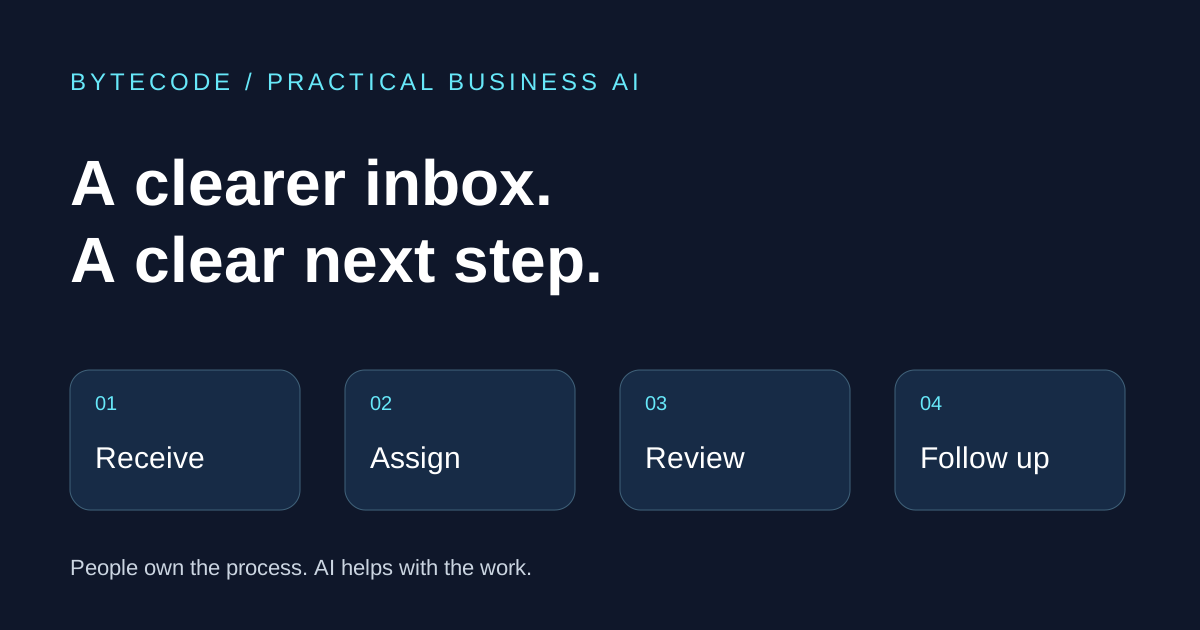
A customer asks for a quote. Someone reads the email, forwards it to a colleague and makes a note to follow up. Three days later, nobody is certain who owns the reply. Improving this process starts with clear ownership and a consistent next step. AI can help with summarising and drafting, while ordinary rules and integrations handle much of the routing and record keeping.
1. Make the queue visible
Start with a sample of recent enquiries. Where did each one arrive, who took responsibility and what happened next? Record how long the team spent handling messages, how quickly someone responded and how many follow-ups became overdue.
This gives you a baseline for deciding whether a change is useful. A shared view of open enquiries may solve more of the immediate problem than another tool.
2. Give every enquiry an owner
Agree which person or team owns each type of message, and how an item is handed over. Straightforward routing rules may be enough for enquiries from a form or messages sent to a dedicated address.
Where messages are less structured, AI can suggest a category or extract relevant details. Give the team a way to correct a wrong suggestion, and route uncertain cases for review.
3. Summarise the thread, then check the details
A long email thread can hide the latest request or an agreed action. A summary can help the next person understand the context without reading the entire exchange again.
Keep the source messages available. Check dates, amounts, names and commitments before relying on the summary, especially when a thread contains corrections or conflicting instructions.
4. Prepare replies for a person to review
A useful first AI pilot can prepare a draft from approved information, such as your service description or an agreed response template. A team member then checks the answer and decides whether to send it.
Make it clear what the system can and cannot answer. Pricing exceptions, complaints and unusual requests should go to the person responsible. The pilot should fit your tone of voice and existing approval process.
5. Track what happens after the reply
Connect the enquiry to the CRM, task list or tracking sheet the business already uses. Record the next action and its owner, rather than relying on someone remembering to revisit the inbox.
Review the baseline after a trial. Are responses easier to manage? Are fewer follow-ups overdue? How much correction do draft replies need? Include the cost and maintenance of the new process when deciding whether to extend it.
Choose one manageable improvement
You may already have suitable features in your current email or business software. Start by assessing those tools and the process around them. A tailored integration becomes useful when information needs to move between systems or the workflow has specific requirements.
Bytecode Consulting can help map one workflow, identify a suitable pilot and guide your team through implementation. We agree access, data handling, review points and success measures before connecting business accounts.
Want to discuss this area?
What is slowing your team down?
Tell us how enquiries arrive, which tools you use and where the work gets stuck. We will help you identify a practical first improvement.